The Simple Email Habit That Stops Almost Every Scam
Scam emails don't look like scams anymore. They use real logos, real names, and language that sounds exactly like your bank or a company you use. The one habit that catches almost all of them takes about five seconds, and most people never do it.
You check who actually sent the email, not just the name displayed at the top.
Tap the Sender's Name to See the Real Address
Every email shows a display name, like "Your Bank" or "Amazon Support." That name means nothing. Anyone can type any name they want into that field.
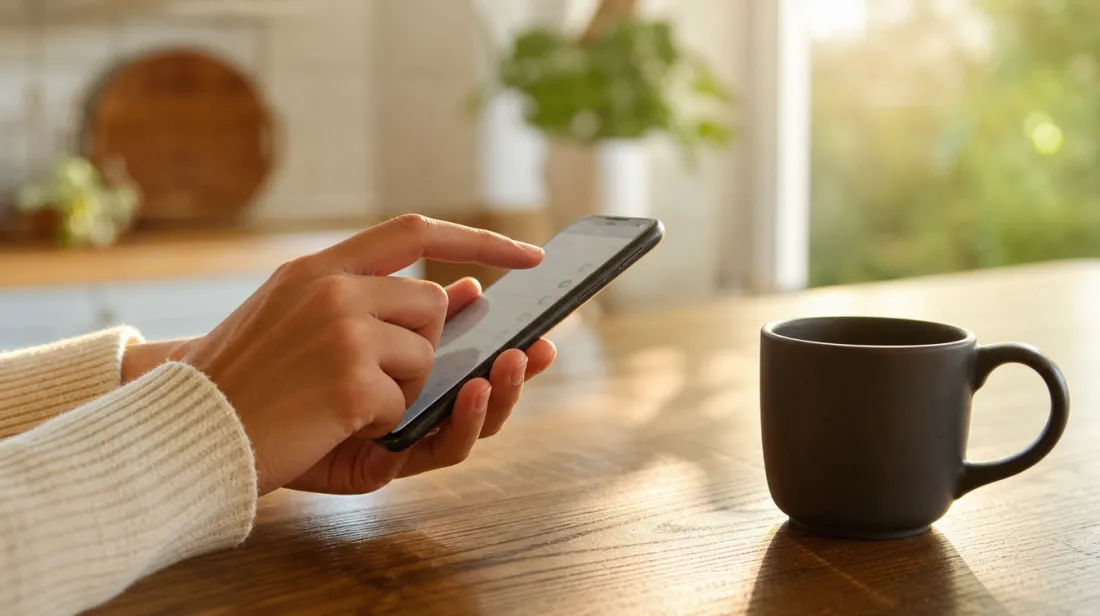
On your phone or computer, tap or click on the sender's name at the top of the email. It will expand to show the actual email address behind it. If it says "Your Bank" but the address underneath is a string of random letters at some address you don't recognize, it's not your bank.
Tip: A real company's email almost always comes from their own domain, like something ending in @yourbank.com, not a free email service or an odd variation of the real name.
Watch for Urgency, It's the Oldest Trick in the Book
Scam emails almost always push you to act fast. Your account will be suspended in 24 hours. Your package couldn't be delivered. Suspicious activity was detected right now.
Real companies rarely create that kind of pressure over email. If a message is trying to rush you into clicking before you think, slow down on purpose. That feeling of urgency is the scam working as intended.
Never Click, Type the Address Yourself Instead
If an email claims to be from your bank, your electric company, or a delivery service and asks you to log in or confirm something, don't click the link. Open a browser and type the company's website address yourself, or use the app you already have installed.
This one habit alone defeats almost every fake login page scammers build, because those fake pages only work if you arrive through their link.
Check for Small Spelling Differences in Links
If you do hover over a link on a computer without clicking, most browsers show you the real destination at the bottom of the screen. Look closely at the domain name, not just the words on the link.
Scammers use addresses that look almost right, like amaz0n-support.com or paypa1.com, counting on you to glance and not really read. A single swapped letter or number is often the only difference.
Be Suspicious of Attachments You Didn't Ask For
An invoice, a shipping label, or a document you weren't expecting is one of the most common ways scam software gets onto a computer. This applies even if the email appears to come from someone you know, since scammers can fake a familiar name too.
If you weren't expecting a file, don't open it. Reach out to the person or company a different way, like a phone call, to confirm they actually sent it.
What to Do if You Already Clicked
If you clicked a bad link but didn't type in any information, close the page and don't enter anything. If you did type in a password or account number, go to the real website directly and change that password right away.
Check your account activity for anything unfamiliar, and consider turning on two-factor authentication if you haven't already, since that adds a second lock even if a password gets stolen.
Poor Grammar Isn't the Reliable Sign It Used to Be
For years, the advice was to look for spelling mistakes and awkward wording as a sign of a scam. That still catches some, but scam emails have gotten more polished, and some are now written with tools that fix grammar automatically.
Don't rely on writing quality alone to judge whether an email is real. A well-written message can still be a scam, and treating the sender's actual address as the real test protects you either way.
Forward Suspicious Emails Before You Delete Them
If your email provider has a "Report Phishing" or "Report Spam" button, use it before deleting a suspicious message. This helps your email provider recognize the pattern and block similar messages from reaching other people, including you, in the future.
Most major email services also let you forward suspicious messages directly to the company being impersonated. Many banks and retailers have a dedicated address, often something like abuse@ or phishing@, set up specifically to receive these reports.
Share This Habit With Someone Who Might Need It
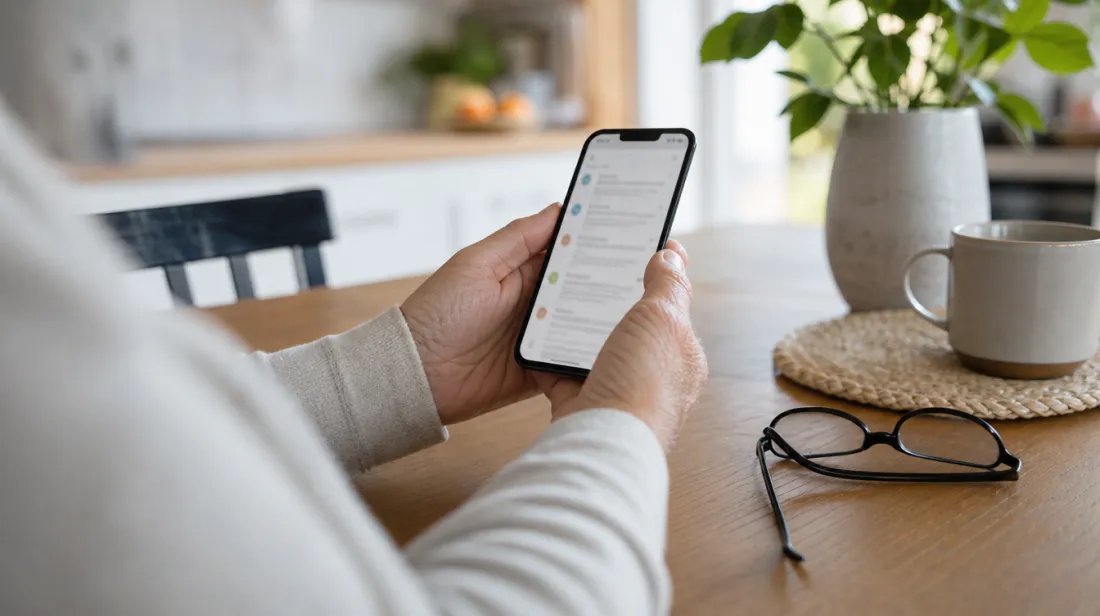
Scam emails often target older adults specifically, not because they're less capable, but because scammers assume less familiarity with checking a sender's address. If you have a parent, neighbor, or friend who reads a lot of email on their phone, this one habit is worth showing them directly.
Tip: Walk through it together once on their own phone, tapping the sender's name on a real email so they see exactly what it looks like. It sticks far better than just being told about it.
The Bottom Line
You don't need special software to catch most scam emails. You need one habit: check the real address behind the name before you trust anything in the message.
Five seconds of checking beats hours of cleaning up after a scam that got through.